Ti 83 plus calculator – Embark on a mathematical adventure with the TI-83 Plus calculator, a powerful tool that empowers you to conquer complex equations, unravel statistical mysteries, and visualize data with unparalleled precision.
With its intuitive programming capabilities, customizable applications, and user-friendly design, the TI-83 Plus calculator seamlessly integrates into your academic and practical endeavors, unlocking a world of mathematical possibilities.
Mathematical Functions and Capabilities
The TI-83 Plus calculator offers a comprehensive suite of mathematical functions that cater to a wide range of academic and practical applications. It boasts a vast library of functions, including trigonometric, logarithmic, exponential, and statistical functions.
Equation Solving
The calculator is adept at solving equations, both linear and non-linear. It can find the roots of polynomial equations, as well as solve systems of equations simultaneously. This capability makes it a valuable tool for students in algebra, calculus, and other mathematical disciplines.
Graphing
The TI-83 Plus is also a powerful graphing tool. It can plot functions, inequalities, and parametric equations. The calculator allows users to adjust the viewing window, zoom in and out, and trace along graphs to analyze the behavior of functions.
Statistical Analysis
The calculator’s statistical capabilities are equally impressive. It can perform a variety of statistical tests, including hypothesis testing, regression analysis, and probability calculations. This makes it a useful tool for students and professionals in fields such as statistics, economics, and social sciences.
Programming Features
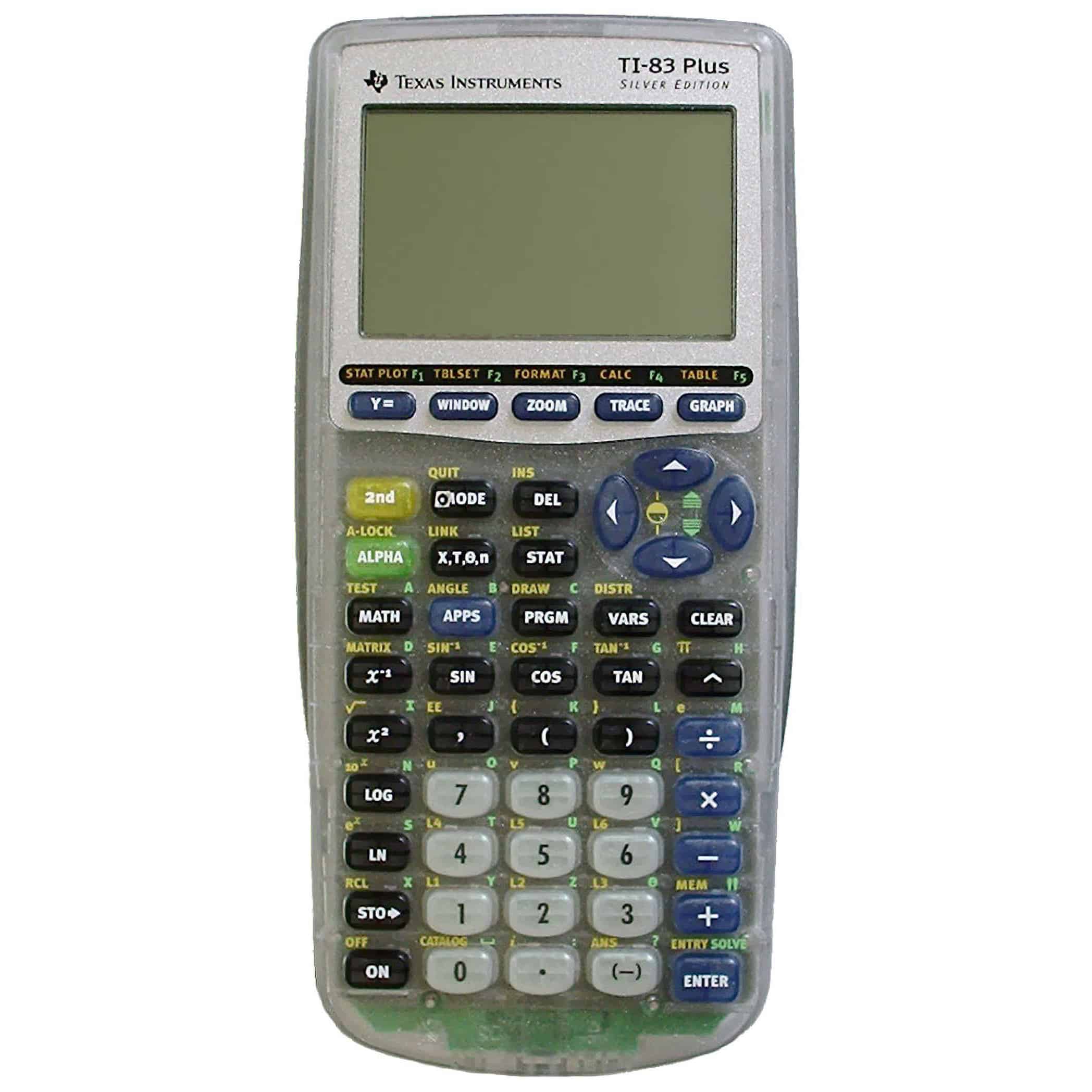
The TI-83 Plus calculator offers robust programming capabilities that enable users to create and execute custom programs tailored to their specific needs.
The calculator’s programming language, TI-BASIC, is a simple yet powerful language that provides a comprehensive set of commands for controlling the calculator’s functionality.
Creating and Executing Programs
To create a program, users can access the calculator’s programming editor by pressing the “PRGM” key. The editor provides a text-based interface where users can enter and edit TI-BASIC code.
Once a program is created, it can be executed by pressing the “ENTER” key. The program will run line by line, performing the specified operations and displaying the results on the calculator’s screen.
Useful Programs
The TI-83 Plus calculator can be used to develop a wide variety of useful programs, including:
- Games:Simple games such as tic-tac-toe and number guessing can be created to provide entertainment and educational value.
- Simulations:Simulations can be used to model real-world phenomena, such as projectile motion or population growth, allowing users to explore and understand complex systems.
- Tools:Programs can be developed to perform specific tasks, such as unit conversions, financial calculations, or data analysis.
Applications and Add-Ons: Ti 83 Plus Calculator
The TI-83 Plus calculator offers a wide range of applications and add-ons that extend its functionality beyond basic mathematical calculations. These enhancements enable users to explore specific subjects, enhance their learning experience, and perform complex tasks.
Applications for the TI-83 Plus calculator are designed to cater to various academic disciplines and interests. These include graphing tools, science simulations, language learning aids, and many more.
Graphing Tools
- TI-83 Plus Graphing Calculator:Allows users to plot and analyze functions, equations, and inequalities. It features a variety of graphing modes, including parametric, polar, and conic.
- TI-84 Plus C Silver Edition Graphing Calculator:An upgraded version with a larger screen and more memory, enabling users to handle complex graphs and equations with ease.
- Desmos Graphing Calculator:A web-based graphing tool that offers advanced graphing capabilities, including 3D graphing, data analysis, and collaboration features.
Design and User Interface
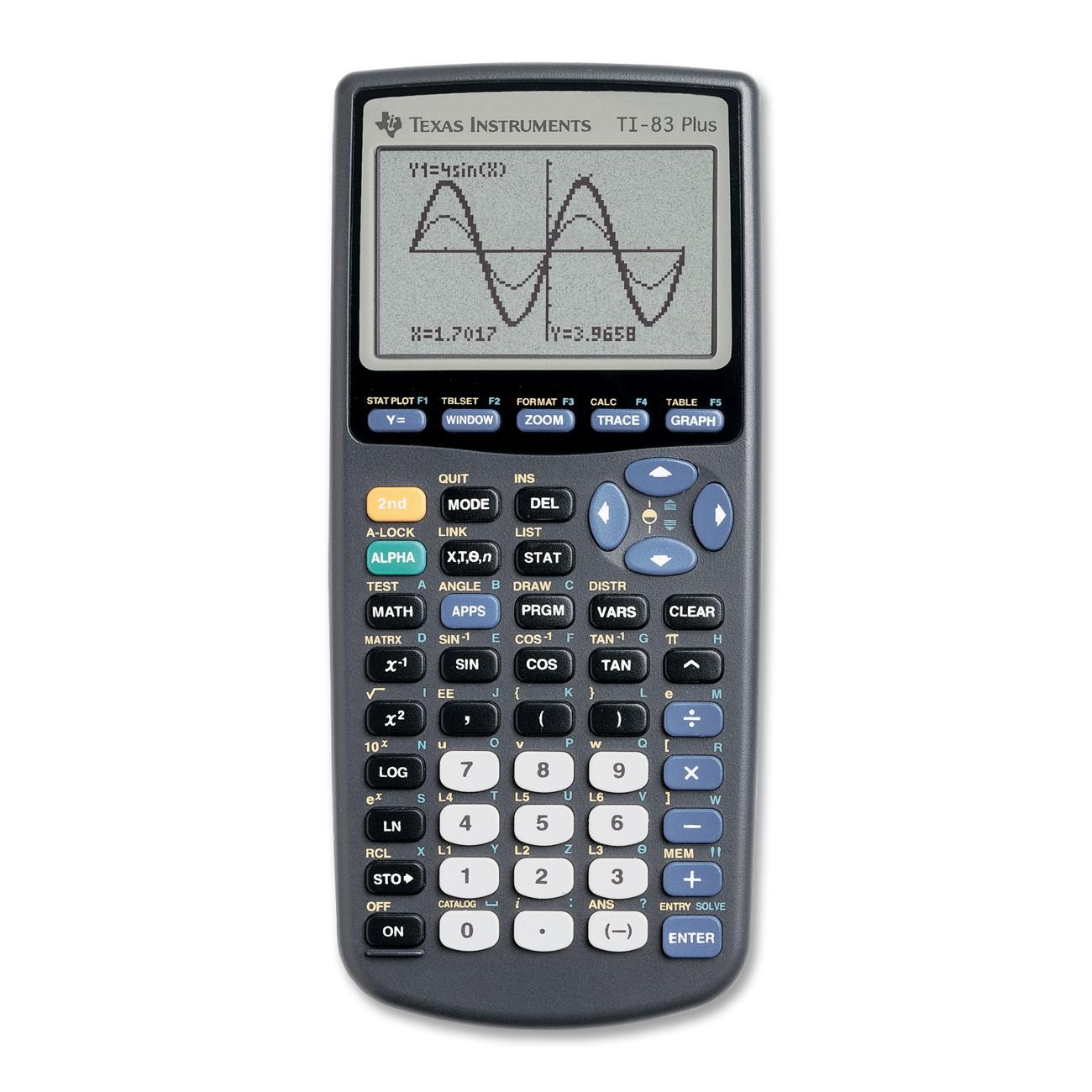
The TI-83 Plus calculator features a sleek and compact design, making it easy to hold and operate. The keys are well-spaced and have a tactile feel, providing a comfortable typing experience. The screen is large and clear, displaying multiple lines of text and graphics simultaneously.The
user interface is intuitive and user-friendly. The main menu provides quick access to all the calculator’s functions, including math operations, graphing, programming, and applications. The menus are well-organized and easy to navigate, making it easy to find the desired function.
Layout of Keys, Ti 83 plus calculator
The TI-83 Plus calculator has a QWERTY-style keyboard with dedicated keys for numbers, functions, and symbols. The keys are arranged in a logical manner, with frequently used functions easily accessible. The calculator also features four arrow keys for cursor movement and navigation.
Screen
The TI-83 Plus calculator has a large, high-resolution screen that can display multiple lines of text and graphics simultaneously. The screen is backlit, making it easy to read in low-light conditions. The calculator also supports split-screen mode, allowing users to view two different screens at the same time.
Menus
The TI-83 Plus calculator’s menus are well-organized and easy to navigate. The main menu provides quick access to all the calculator’s functions, including math operations, graphing, programming, and applications. The menus are context-sensitive, meaning that the options available will change depending on the current mode of the calculator.
Ease of Use and Accessibility
The TI-83 Plus calculator is designed to be easy to use and accessible for a wide range of users. The user interface is intuitive and user-friendly, and the menus are well-organized and easy to navigate. The calculator also features a help function that provides information on all the calculator’s functions.
Final Wrap-Up
Whether you’re a student navigating algebraic equations, a researcher delving into statistical analysis, or an engineer seeking computational assistance, the TI-83 Plus calculator stands as an indispensable companion. Its versatility and ease of use make it an invaluable asset for anyone seeking to conquer the world of mathematics.